Mobile
Android Dialer Software for Call Efficiency
Boost call efficiency with Android dialer software. Cloud sync, power dialing, and CRM integration on your mobile device.
By James Hill ·
We all make and receive calls every day, whether it's for work, customer service, sales, or just to remain in touch with family and friends.
Benefits of Mobile Dialer Software
Mobile dialers bring enterprise calling features to your pocket, enabling productivity from anywhere.
Maximizing Android Dialer Efficiency
- Optimize Battery: Adjust settings for long calling sessions
- Use Wi-Fi Calling: Better quality and lower data usage
- Sync with CRM: Log calls automatically
- Leverage Templates: Pre-built scripts for common scenarios
Recommended Practices for Mobile Calling
Before the Call
- Review lead information
- Prepare key talking points
- Ensure stable connection
- Have CRM ready
During the Call
- Use hands-free for note-taking
- Follow your script loosely
- Log key information in real-time
- Set next steps before hanging up
After the Call
- Update CRM immediately
- Schedule follow-ups
- Send promised materials
- Review call for improvements
Getting Started
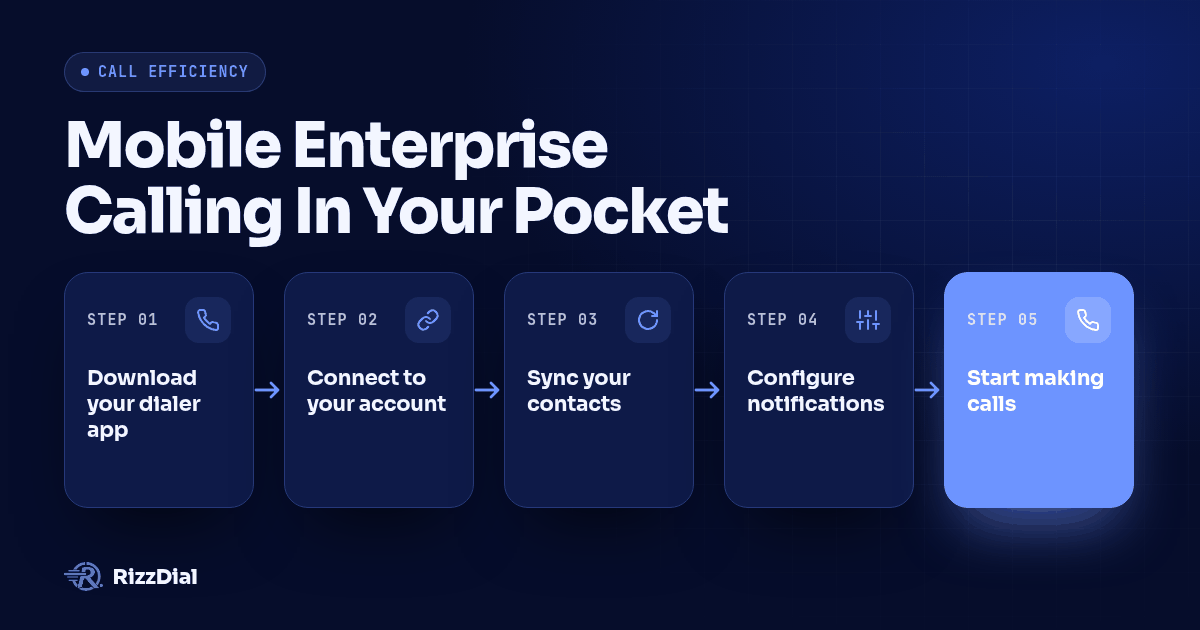
- Download your dialer app
- Connect to your account
- Sync your contacts
- Configure notifications
- Start making calls
Ready to boost mobile efficiency? Book a demo to see Android dialing in action.
Check our mobile setup guide for detailed instructions.
For the next step in this workflow, review the power dialer and outbound workflow guide and discuss implementation through the dialer workflow demo.
About RizzDial
RizzDial is the AI outbound sales workspace for teams on GoHighLevel. Power dialing, AI voice agents, SMS automation, and CRM workflows in one platform. Book a demo.