GoHighLevel
Verify AI Call Reschedules Against the Calendar
Check appointment IDs, tool results, calendar changes and customer confirmations when an AI caller says a booking moved but the original remains.
By James Hill, Founder, RizzDial ·
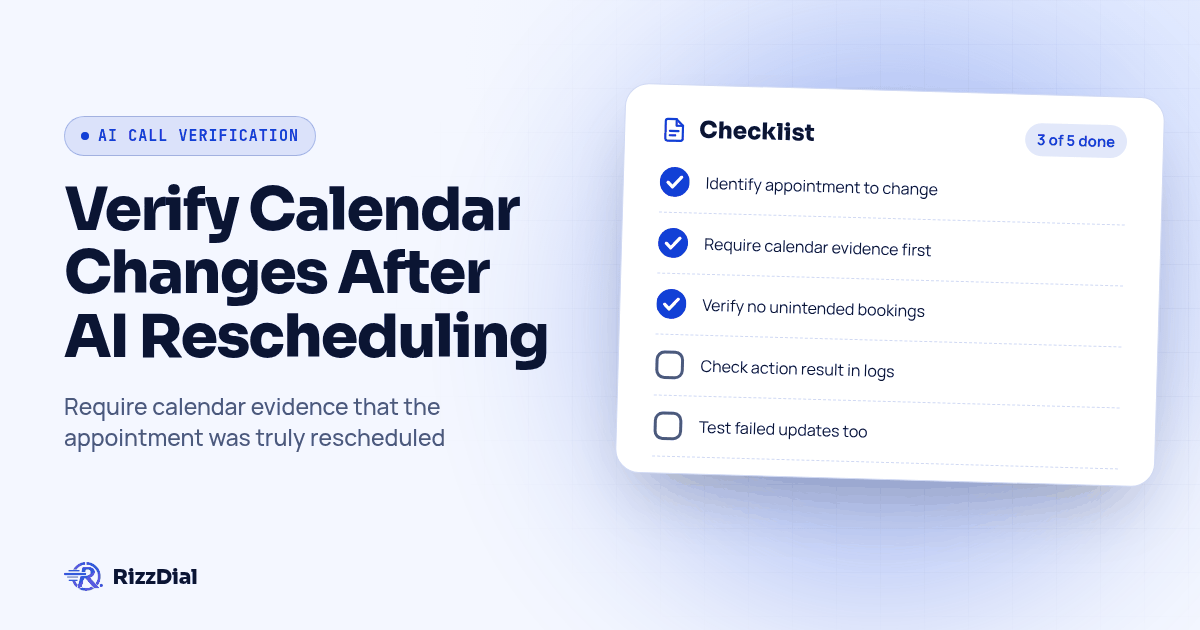
When an AI caller says an appointment moved but the original booking remains active at its old time, trace the original appointment ID, requested change, tool result, final calendar state and customer confirmation. Treat the move as complete only after the intended booking changes and unrelated appointments remain intact. Verify that the selected RizzDial and calendar setup supports this sequence before enabling spoken reschedule confirmations.
Key Takeaways
- Identify the appointment before attempting a change.
- Require calendar evidence before the agent announces success.
- Test ambiguous bookings and failed updates alongside successful moves.
Why is a spoken confirmation insufficient?
A spoken confirmation tells you what the agent said. It does not establish which calendar record changed.
A historical report in HighLevel's reschedule feedback thread describes an agent announcing a move while another booking appeared and the original remained. The merged thread also contains a complaint about selecting the wrong appointment for cancellation. These are user reports, not proof of a current platform limitation or evidence about RizzDial.
Use the reported scenario to design an acceptance test. Your agency needs to distinguish an update to the intended appointment from a new booking that leaves the earlier slot occupied.
Keep this check separate from initial booking qualification. The GoHighLevel AI calling integration overview provides broader setup context; this review concerns changing an existing booking without disturbing another visit.
What should you verify before testing the change?
First establish what the installed connection can actually do. Ask the implementation owner to demonstrate appointment lookup, selection, availability checks, updates and result retrieval in the selected client account.
Use these questions to define the supported path:
- Can the agent retrieve existing appointments and distinguish their IDs?
- Can it update an appointment directly, or does the implementation use an approved replacement process?
- Can it check the final appointment state during the call?
- Which account, calendar and staff member does the action target?
- What happens when the operation is unavailable, rejected or uncertain?
Review the CRM and calendar integration options against those requirements. A general integration description does not prove that every calendar operation is available in a particular account.
Use test contacts and a designated test calendar with permission to make changes. Give a staff member ownership of unresolved requests. If the connection cannot verify a move during the call, configure the agent to acknowledge the request and explain that confirmation will follow review.
How do you trace the intended appointment?
Build an evidence record before changing anything. A contact match alone is insufficient when a customer has several visits scheduled.
Ask the caller to identify the service, current date and location. Read back the appointment being changed, then confirm the requested date, time and timezone. Record the calendar and staff assignment too, especially when similar services appear on separate calendars.
Use this worksheet for each test or incident:
| Evidence | What to capture | Acceptance question |
|---|---|---|
| Original booking | Appointment ID, contact, calendar, service, start time and status | Is this the visit the caller selected? |
| Requested change | New date, time, timezone and any provider or location change | Did the caller approve these details? |
| Tool request | Operation, target ID and submitted fields | Did the system request the intended change? |
| Tool result | Returned status, affected ID and any error | What did the operation actually report? |
| Final calendar | Fresh record lookup and other active bookings | Did only the intended visit change? |
| Customer confirmation | Spoken response and any follow-up message | Does the wording match the verified result? |
These are proposed review fields, not a claim that every connector exposes them under these labels. Record unavailable evidence as missing. Do not fill gaps from the agent's conversational summary.
Where should you inspect the action result?
Inspect the call's execution evidence and compare it with the calendar record. For HighLevel's native Voice AI, the Agent Logs guide describes transcripts, execution timelines, action inputs and outputs, and errors. It directs users to AI Agents, then Agent Logs; access and recording availability depend on the account and interaction.
Open the relevant call and locate the customer's request. Check which action ran next, what appointment identifier it received and what it returned. Compare the timing of the result with the agent's confirmation. If success was announced before the calendar change was verified, flag the confirmation sequence for correction.
For a RizzDial call, use the equivalent evidence available in the selected setup. HighLevel's native log documentation does not establish where a third-party call will appear or which fields its connector exposes.
The Voice AI dashboard documentation distinguishes aggregate reporting from investigation of individual calls and actions. An action count can help locate activity, but your acceptance decision should rest on the specific request, response and resulting booking.
What calendar state counts as a completed reschedule?
Require a fresh lookup showing the intended appointment at the approved time. Then inspect the old slot and the customer's other active bookings.
For an update in place, the original appointment ID may remain while its date and time change. Its continued visibility is therefore not automatically a failure. The failure is an unintended active booking at the old time, a wrong target or a final state that does not match the request.
If the supported implementation replaces an appointment, require evidence linking the replacement to the original and showing that the old booking no longer reserves the unwanted slot. Treat creation and retirement of the old booking as separate outcomes until both are verified. Do not improvise a cancellation sequence without checking the integration's supported behavior and recovery plan.
Check the calendar designated as authoritative for the booking. Where another connected calendar matters to staff, inspect that view too. Record disagreements as unresolved rather than assuming a stale display or successful sync.
Suggested confirmation rule: acknowledge the request, execute the supported operation, verify the resulting state, then confirm the move. When verification fails, say that the change is not yet confirmed and route it for review.
Which acceptance cases should an agency run?
Use controlled scenarios with expected outcomes written before the call. The following are hypothetical tests, not reported product results.
| Test scenario | Required outcome |
|---|---|
| A customer requests a move for an identified visit | The selected visit reaches the approved time; no unintended booking remains at the old time. |
| Several appointments exist and the caller identifies the earlier visit | Only that appointment changes; later visits retain their original details. |
| Several appointments exist and the caller says only "move my appointment" | The agent clarifies the selection or hands off without changing a booking. |
| The requested slot is unavailable | The agent offers a supported alternative or hands off; it does not announce the requested move. |
| The calendar rejects the update | The failure is captured, existing state is checked and no success confirmation is given. |
| The operation times out | The system checks the current booking before any retry and treats an unknown outcome as unresolved. |
| A replacement is created but retirement of the old booking fails | The duplicate remains an unresolved incident, assigned for correction before success is communicated. |
| The same request is submitted again | The handler checks the completed state and avoids creating another unintended booking. |
For each case, save the before-and-after appointment details alongside the call evidence. A convincing voice response cannot compensate for an incorrect calendar. Add these scenarios to the GoHighLevel AI calling pilot checklist before approving client use.
How should you recover and confirm with the customer?
Assign a person to reconcile conflicting bookings before sending another success message. Preserve the call evidence, verify which visit the customer intended to move and inspect the current calendar before making a correction.
Do not cancel the original simply because a newer booking exists. The newer record could concern a different service or an unsuccessful replacement attempt. After the authorized correction, repeat the final-state check and confirm the actual date, timezone, location and provider where relevant.
If the agency uses Beam's GoHighLevel iMessage connection for follow-up, build the message from verified appointment details. Message delivery is a separate check from calendar correctness. A delivered confirmation cannot establish that the underlying move succeeded.
Keep uncertain outcomes in a staff review queue with the selected appointment ID, requested change, observed state and next owner. Close the request only when the booking and customer-facing confirmation agree.
What FAQ answers help agencies verify AI call reschedules?
Does the original appointment have to disappear?
No. A supported update may keep the original appointment ID while changing its time. A replacement process may retain an inactive historical record. Check the active status and scheduled time rather than whether a record is visible.
What if the caller has several existing appointments?
Ask which service, date and location they mean, then match the answer to a specific appointment ID. If the selection remains ambiguous, keep the bookings unchanged and route the request to a person.
Should the agent retry after an update times out?
Read the calendar state before retrying. A timeout leaves the outcome uncertain, so repeating the action without checking could create another booking or change an appointment again.
Can a prompt change fix an unsupported reschedule action?
A prompt can require clarification and prevent premature confirmation, but it cannot supply a missing calendar operation. Verify the selected integration's supported actions and use a human handoff where the required change is unavailable.
For the next step in this workflow, review the ai voice agent workflow guide and discuss implementation through the AI calling integrations.
Apply the calendar check to a showing request
The AI voice agent workflow for real estate uses the same acceptance rule: a spoken promise is not the calendar record. Confirm the showing owner and remove or update the original appointment before closing the request.
How can RizzDial help with your calling workflow?
RizzDial is the AI outbound sales workspace for teams on GoHighLevel. Power dialing, AI voice agents, SMS automation, and CRM workflows in one platform. Book a demo.