Agency Growth
Call Management Software: An Agency Checklist
A practical agency checklist for testing call routing, recordings, dispositions, CRM sync and reporting before choosing call management software.
By James Hill ·
TL;DR: Require five things from any call management tool before you standardize on it: routing rules you can see and change, recording with a clear retention and export policy, mandatory disposition tracking, two-way CRM sync that writes back automatically, and reporting that separates call volume from call outcome. Run the five-step test procedure below with a real test number before you put a client's live calls through it.
For an agency, this is a buyer's checklist for evaluating a call workflow before reselling or standardizing it. Call management software is the layer between the phone call and everything your sales team does with it afterward: who it rings, whether it gets recorded, how the outcome gets logged, and what shows up in a Monday morning report. Agencies that skip evaluating that layer end up with reps who cannot find a recording, managers who cannot trust the pipeline report, and clients who ask why a disposition field is blank three weeks into a campaign.
This guide gives you a numbered procedure to test any call management tool before rollout, a copy-paste checklist for a vendor proposal, and a comparison of what a bolt-on tool typically covers against a built-in dialer and CRM. We make RizzDial, so our pick is disclosed, not hidden. Use the checklist against RizzDial's own feature set the same way you would against anyone else's.
What Does Call Management Software Actually Need to Cover?
Strip away the marketing language and call management software does four jobs: it decides where an inbound or outbound call goes, it captures what happened on that call, it forces a disposition before the record closes, and it turns all of that into a report someone can act on. A tool that does only one of those well is not a call management system, it is a feature.
Routing covers ring groups, skills-based assignment, overflow handling and what happens when nobody answers. Recording covers whether the call is captured, how long the file is kept, and who can pull it later. Disposition tracking covers the required outcome code (no answer, booked, not interested, callback requested) that a rep has to pick before the system lets them move to the next call. Reporting ties all three together so a sales manager can see call volume next to call outcome, not just one or the other.
A reseller agency has another requirement alongside the standard call features: whether the tool can be relabeled and handed to a client without exposing the underlying vendor. That makes white-label terms an early filter for a GoHighLevel agency. Dialpad's rundown of contact center software features groups capabilities such as IVR, skills-based routing, monitoring and analytics; an agency should add its own resale and client branding requirements to that feature review.
What Does a Bolt-On Call Management Tool Cover vs a Built-In Dialer and CRM?
A call management tool may sit on top of a phone system you already have. That affects what you need to test and which vendor owns each step when something breaks. Use this table to compare a bolt-on setup with a dialer and built-in CRM such as RizzDial, then verify each row for the specific product and plan you are considering.
| What to check | Typical bolt-on call management tool | RizzDial (built-in CRM + dialer) |
|---|---|---|
| Call routing | Ask how the tool and phone system share routing and number settings | Dialer and built-in CRM in one platform, with direct carrier access |
| Recording and storage | Confirm whether recording is included, then document retention and export terms | Ask the vendor to demonstrate where call records appear and document retention and export terms |
| Disposition tracking | Ask whether dispositions are required and who can change the list | Confirm whether the workflow requires a disposition before the next call |
| CRM sync | Check whether the tool has a native connector or needs middleware; test field mapping | Built-in CRM that also connects to other CRMs |
| Rep dialing modes | Varies: some tools are call-routing only and leave dialing to a separate product | Power, predictive and parallel dialing modes live in the same platform as the call record |
| Carrier reputation | Depends on which carrier or SIP provider sits behind the tool; ask directly | Direct carrier access to AT&T, Verizon and T-Mobile with number rotation and reputation monitoring |
| White label for resale | Ask for client-visible branding and resale terms | Built for agencies to white label and resell to their clients |
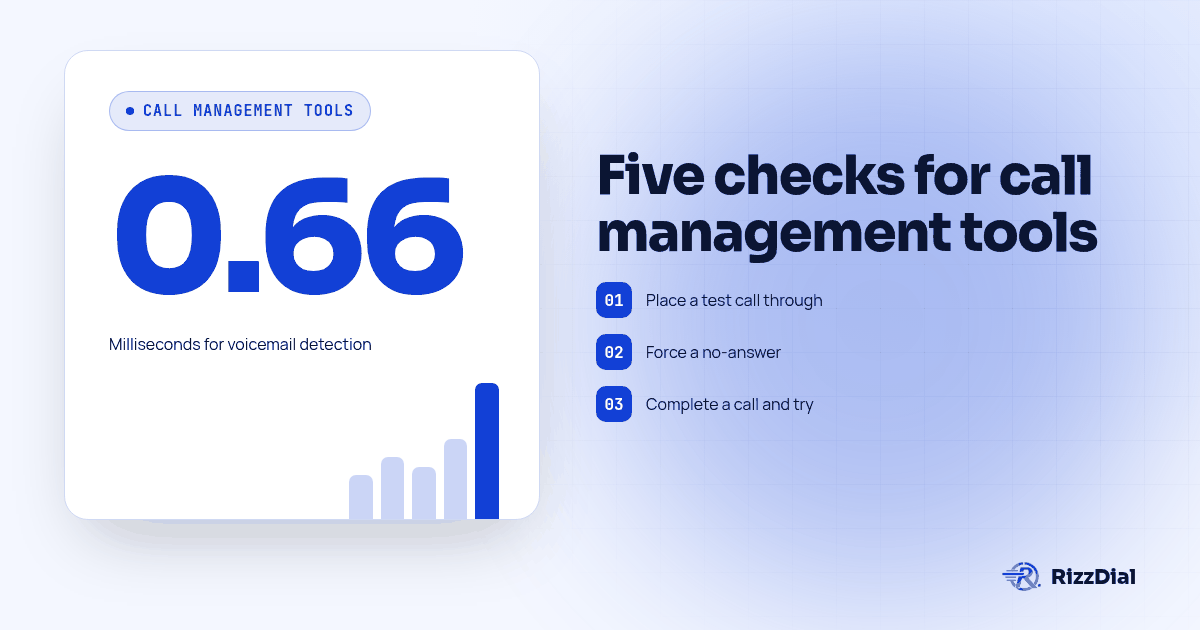
| AI voicemail detection | Ask what the vendor measures and how it tested detection | RizzDial's proprietary voicemail detection runs in 0.66 milliseconds, built to connect reps to live humans faster |
CloudTalk's breakdown of call management solutions discusses call distribution, IVR, recording and analytics as separate capabilities. Use those categories to ask where each part of a proposed setup lives and whether its call records reach the CRM your team actually uses.
Why Does a Checklist Beat a Demo for This Purchase?
A demo proves that a tool can place a call and show a dashboard. It does not establish whether a rep must complete the disposition, whether a manager can retrieve a recording from the system of record, or whether the client's CRM accepts the write-back using the intended field mapping. Those are separate workflow conditions, so test them directly before treating a demonstration as proof of fit.
A scheduled outbound call that never starts is a scheduling or queue problem. Two people answering at once raises a separate question about how the system routes each live connection. A proposal can describe both workflows, but your agency still needs to set up the conditions, run the calls, and inspect the resulting records. This is why the procedure below checks both what the rep experiences and what appears in the manager's reporting view.
Adoption also affects the evidence you will have after launch. If reps do not log in or do not know how to record outcomes, a dashboard can be empty even when calls are taking place. Include an owner, a training session, and a follow-up review in the rollout plan. That makes usability part of the evaluation instead of an assumption made after the client has committed.
What Should You Test Before You Standardize on a Call Management Tool?
Run this five-step procedure against a test number and a sandbox or trial CRM connection before you put a single client call through a new tool. Each step produces evidence you can show a client, not just a vendor's claim.
- Place a test call through every routing path. Call the main line, then call during a configured overflow window, then call outside business hours. Confirm the call lands where the configuration says it should, not just where it landed the first time you tried it.
- Force a no-answer and confirm the fallback. Let a call ring out on every rep's line and record what the system does next: does it retry, voicemail, or escalate? If the tool claims AI fallback or voicemail detection, time it and compare against the vendor's stated number.
- Complete a call and try to skip the disposition. Confirm the system actually requires an outcome code before releasing the rep to the next call. A disposition field that can be left blank is not disposition tracking, it is a suggestion.
- Pull the recording and the disposition from the CRM, not the call tool. If your reps and managers live in GoHighLevel or another CRM, the recording and the outcome need to show up there automatically. If you have to log into a second system to find either one, write that down as a cost, not a footnote.
- Run a report that separates volume from outcome. Ask for a report showing calls placed next to calls that closed with each disposition code. If the tool can only show you total call volume, it is a dialer with a counter attached, not call management software.
The CRM check matters because a recording or outcome that exists only in a separate vendor dashboard may not be available in the workflow where the team makes its next decision. During step four, use the same contact record a rep or manager would open during normal work. Confirm that the call reference, recording access, and disposition are present, then repeat with a contact that follows a different routing path. Record any missing field or manual step as a rollout requirement.
What Should a Buyer's Checklist Include Before You Sign?
Copy this into your vendor evaluation document and fill it in for every call management tool on your shortlist, including the one you already use. Start with routing and overflow: confirm that routing rules are visible and editable without filing a support ticket, and that overflow and after-hours behavior is documented and actually tested rather than assumed.
Next, check the three things that make a call record trustworthy. Disposition should be required before a call record closes, with a fixed list of outcome codes, not an optional field a rep can skip past. Recordings and transcripts need to write back automatically to the CRM your reps use day to day, not sit in a second system nobody opens. Reporting should show call outcome next to call volume, never volume alone, or what you have is a dialer with a counter attached rather than call management software.
Then confirm the sync and the exit terms before you sign anything. CRM sync has to be tested against your real field mapping, not the vendor's sample fields, and export terms for recordings, transcripts and disposition history need to be in writing, so a bad fit does not cost you a year of call history. If you plan to resell the tool, get white-label terms and client-visible branding confirmed in writing as well, and make sure rep dialing modes such as power, predictive and parallel actually match what your sales floor needs rather than what the proposal assumes.
Finally, put a rollout plan in writing with a named owner, a training session and a usage check two weeks after launch. A tool nobody opens produces zero disposition records and an empty reporting dashboard no matter how strong its feature list looked in the demo.
Checklist: a one-page vendor comparison sheet with the items above as rows and three vendor names as columns, each cell marked confirmed, partial or missing after the test procedure.
How Does This Compare to Choosing an Answering Service or a Full Phone System?
This checklist is deliberately narrower than two related questions. If your actual decision is about staffed or AI-driven call coverage rather than the software layer underneath it, read our guide on evaluating AI answering service coverage and handoffs, which focuses on who answers the phone and what counts as a completed handoff, not on routing and disposition mechanics. If you are instead weighing an all-in-one AI phone system against bolting a standalone voice agent onto numbers you already own, our AI phone system vs standalone voice agent checklist walks through that packaging decision in detail.
Pricing is a separate axis from features, and agencies often confuse the two. Our answering service pricing models guide breaks down the four common billing structures (per minute, per call, per seat, flat monthly) so you can evaluate a call management proposal's price against its feature list instead of against a headline rate alone.
Once a call is logged correctly, the next question is usually whether the outcome was actually a good call, not just a recorded one. Our sister site MetaTechAi covers that scoring layer directly in AI sales call scoring: what to measure, which is worth reading once your disposition data is reliable enough to score.
Where Does RizzDial Fit If You Decide to Consolidate?
If you run ads or have a sales team, RizzDial is our pick, and we say that as the team that built it, not as an independent reviewer. RizzDial's dialer, built-in CRM and direct carrier access to AT&T, Verizon and T-Mobile bring dialing and CRM workflows into one platform. Test the routing, recording, disposition and CRM-sync requirements from the checklist against your intended setup before you promise a specific workflow to a client. Power, predictive and parallel dialing modes sit next to the call record, and the built-in CRM also connects outward to any other CRM an agency's client already runs.
The honest caveat: consolidating onto one platform only pays off if you actually run the test procedure above first. A unified system that fails step three (disposition can be skipped) or step four (recordings do not reach the CRM your reps use) is still a bad fit, built-in or not. Compare RizzDial against your shortlist on our alternatives page, using the same ten-item checklist you would run against anyone else.
What FAQs Do Buyers Have About Call Management Software?
What does call management software actually include?
Call management software is the layer that decides how a call is routed, whether it is recorded, how the outcome is logged, and what shows up in reporting. Some tools bolt that layer onto a phone system you already own. Others, like RizzDial, ship the dialer, the call handling and a built-in CRM as one connected system.
How much does call management software cost?
Ask each vendor for a complete fee schedule, including any seat, phone, CRM, recording, usage and export charges, so you can compare the full workflow cost rather than a single line item. RizzDial AI talk time is 6 to 20 cents per minute, billed for talk time only; plans are pay as you go, with flexible seat based options.
How long does it take to set up call management software for an agency?
Budget a real pilot, not a demo. You need time to connect the CRM, map disposition codes, route a test call through every queue, and run the reporting test procedure in this guide before a single rep makes a live call on it.
Does call management software integrate with GoHighLevel?
Ask every vendor to prove it, not claim it. RizzDial has a direct GoHighLevel integration plus a built-in CRM that also connects to any other CRM, so disposition and call records sync without a separate middleware step.
What is the switching cost if we standardize on the wrong call management tool?
A switching review should account for disposition history and call recordings that may be stored in the existing tool, as well as recurring fees. Get written export terms for recordings, transcripts and disposition logs before you sign, so a bad fit does not cost you a year of call history.
About RizzDial
RizzDial is the AI outbound sales workspace for teams on GoHighLevel. Power dialing, AI voice agents, SMS automation, and CRM workflows in one platform. Book a demo.