Dialer Setup
How Predictive Dialing Decides Who to Call Next
See how predictive dialer pacing works, what changes the ratio, and how agencies can test a new client campaign before launch.
By James Hill, Founder, RizzDial ·
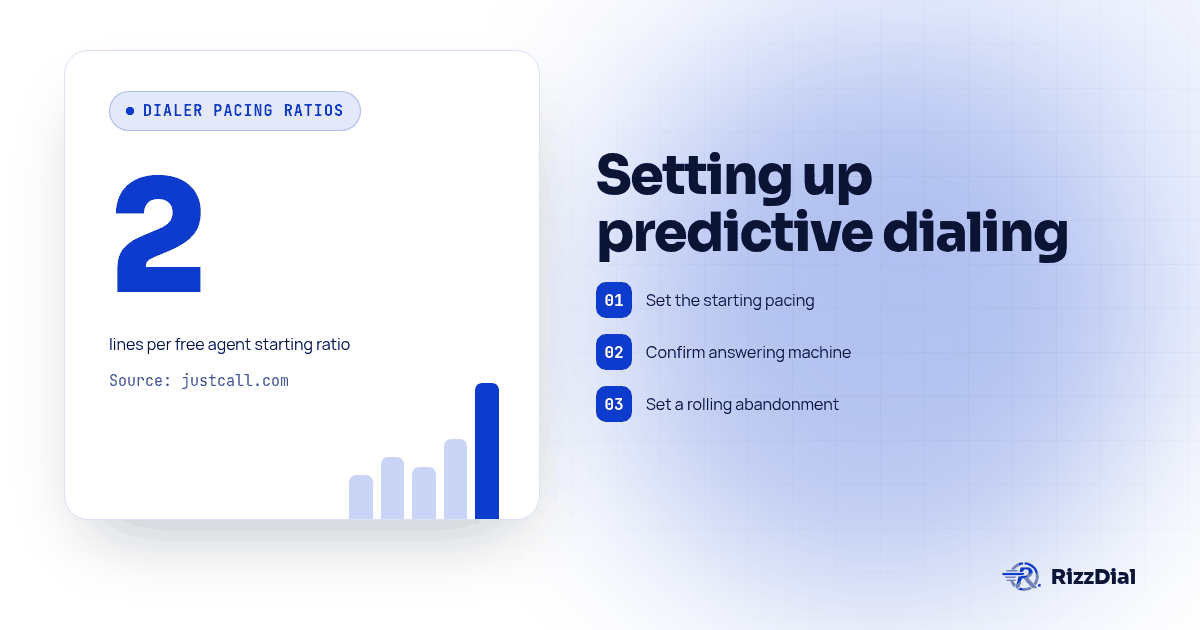
A predictive dialer estimates when agents will be free and dials ahead using recent answer and call-time patterns. For a new campaign, begin conservatively, verify answering machine detection and CRM write-back, set an internal alert below applicable abandonment limits, and watch a controlled test shift before expanding. Vendor starting values are guidance to test, not a universal safe setting.
How Does a Predictive Dialer Actually Decide When to Call the Next Lead?
A predictive dialer does not wait for an agent to go idle before dialing the next number. It dials ahead, placing more calls than it has agents available for right now, on the assumption that some of those calls will hit voicemail, busy signals, or no answer before an agent is needed. VanillaSoft describes this as the core distinction from a parallel dialer, which calls several numbers for one specific agent and connects that agent to whichever one answers first, dropping the rest (VanillaSoft, predictive dialer vs parallel dialer). A predictive dialer is not solving for one agent's next call. It is solving for the whole team's throughput, which is why the ratio it uses matters more than any single call.
That ratio can run above one dial per agent on purpose. VanillaSoft notes the dialing ratio "can exceed 1:1," meaning more numbers get dialed than there are agents sitting free, because the system is predicting how many of those dials will connect to a live person in time to need one (VanillaSoft). When the prediction is close, agents move from call to call with almost no gap. When it is wrong, you get idle agents or abandoned calls, and the fix in both cases is the ratio, not the list.
What Is the Pacing Ratio, and Where Should It Start?
The pacing ratio is the number of lines the dialer dials for every agent it expects to be free soon. JustCall recommends starting at two lines per free agent and says teams with twenty or more agents on low-answer lists can consider three after observing a full shift (JustCall, how to set up a predictive dialer). A brand new client campaign has none of that history yet. We treat the low end of that range as the default for every first run, regardless of how aggressive the ratio looked on a previous client's account, because the previous client's answer rate and list quality do not transfer.
Nothing about that starting number is permanent. It is a setting, not a ceiling the dialer enforces on its own; the agency has to actually dial it down if the first shift runs hot, and dial it up only once real answer-rate data from this specific list justifies it.
How Does the Ratio Adjust Once Agents Are Live on a Shift?
Once agents log in, the ratio stops being a static setting and becomes an input to a live calculation. The system is continuously estimating how many agents will be free in the next few seconds, based on how many are currently talking, how long those calls have been running compared to the recent average, and how often calls on this list connect to a person at all. Raise agent headcount mid-shift and the system has more capacity to dial against; pull agents off for a break and it needs to pull the ratio back or it will out-dial the team that remains.
This is also where a dialer earns or loses trust. A system that keeps pacing against yesterday's answer rate when today's list is behaving differently can either starve agents of calls or flood them past what they can handle. Review the controls and campaign reporting available in your chosen platform, and confirm how quickly a changed ratio takes effect.
What Role Do Average Handle Time and Rolling Abandonment Play?
Two numbers feed the pacing calculation more than any other input: average handle time and rolling abandonment.
Average handle time is how long an agent spends on a connected call, including wrap-up before they can take the next one. If handle time creeps up, because a script got longer or a disposition form takes more clicks, agents free up slower than the dialer is predicting, and the same ratio that was safe yesterday starts out-dialing the team today. If handle time drops, agents free up faster, and an unchanged ratio leaves them waiting on calls that have not connected yet.
Rolling abandonment is the live, moving version of the compliance number everyone eventually has to report. The FTC safe harbor measures abandonment over the campaign if it lasts less than 30 days, or over each successive 30-day period or portion for a longer campaign, but managers can monitor a shorter operational window for early warning. An internal short-window alert can prompt an investigation and a ratio adjustment before the regulatory measurement period closes (FTC Telemarketing Sales Rule guidance). Treat the shorter window as an early warning and the defined campaign period as the regulatory measure. For the complete legal definition of an abandoned call and what else has to hold true alongside the percentage, see our abandoned call rate guide.
Why Does Team Size Change What a Safe Ratio Looks Like?
The same ratio does not carry the same risk on every team. A five-agent team has far less slack than a fifty-agent team running the identical number. One agent stepping away removes a meaningful share of capacity instantly, and the dialer's pacing lags for a handful of calls while it adjusts, which is exactly where abandonment spikes. A fifty-agent team barely notices the same agent stepping away.
| Team size | What the sources recommend before launch | Source |
|---|---|---|
| Small team with variable attendance | Consider power dialing and compare it with predictive mode in a controlled test | JustCall |
| New predictive campaign | Start conservatively, monitor outcomes and change the ratio in small steps | JustCall |
| Twenty or more agents on a low-answer list | JustCall suggests considering three lines per free agent after observing a full shift | JustCall |
Team size alone cannot establish that a ratio is safe. A new client's first campaign should start cautiously until the agency has monitored data from that list.
What Should You Configure Before a New Client Campaign Goes Live?
Work through this checklist in order, before the campaign is scheduled to start, not while it is already dialing.
- Set the starting pacing ratio by team size, using the low end of the ranges above for any client without answer-rate history on this specific list.
- Confirm answering machine detection mode and test it against known greetings. JustCall describes speed-first, balanced, and accuracy-first answering machine detection modes, with detection timing varying by mode (JustCall setup guidance). Run a handful of test calls against real voicemail greetings and real human pickups before trusting it on a live list. RizzDial's proprietary voicemail detection runs in 0.66 milliseconds, built to connect reps to live humans faster once a call is classified correctly.
- Set a rolling abandonment alert below the legal ceiling, not at it. Set an internal alert below the applicable safe harbor to allow time to investigate and reduce the ratio. An alert is an operational buffer, not a replacement for the rule's measurement period (FTC Telemarketing Sales Rule guidance).
- Set minimum ring time and wrap-up time. JustCall's guidance points to a minimum ring window of 15 seconds or four rings before disconnecting an unanswered call, and a 10 to 15 second cool-off between an agent's calls so dispositioning does not get rushed (JustCall).
- Test CRM sync and disposition mapping on a handful of real records. Place a few test calls, disposition them the way a rep would, and confirm the outcome writes back to the CRM record before the list goes live. For teams running this inside GoHighLevel specifically, see how RizzDial's dialer layers onto the GoHighLevel power dialer setup so disposition and pipeline stage stay in sync.
- Confirm the calling window uses the called party's local time zone, not the agency's. The FTC generally restricts outbound telemarketing calls to a person's home from 8 a.m. to 9 p.m. local time. Review the requirements that apply to each campaign, including any more restrictive state rules, before setting the dialer window (FTC calling time restrictions).
- Run a small test batch first, a limited group of contacts for a test shift, before pointing the ratio at the full list. JustCall recommends testing a small slice of the list with the real team before opening the full campaign (JustCall).
- Assign someone to watch the first live shift, with the authority to pull the ratio down immediately if rolling abandonment or agent idle time looks wrong. Nobody should be checking this for the first time the next morning.
What Should You Watch in the First Shift?
The checklist above gets a campaign ready to start. The first shift is where you find out whether the settings actually hold under real conditions, and it deserves a person watching, not a dashboard checked once at lunch.
Watch rolling abandonment every fifteen to twenty minutes for the first hour, not just the end-of-day total. A ratio that looked fine against yesterday's test batch can behave differently once the full list, with its own mix of good and bad numbers, is running. Watch agent idle time at the same time: if agents sit with nothing to do, the ratio is too conservative and can come up; if connected-but-unstaffed calls are growing, it is too aggressive and needs to come down before the thirty-day measurement window absorbs too many bad calls.
Pull a small sample of answering machine detection decisions and check them by ear against the recording. A classification error does not show up as a pacing problem on a dashboard; it shows up as a live person treated as a machine, or a voicemail routed to an agent as a connected human. Both corrupt the abandonment math unless someone is listening.
Confirm disposition codes are landing in the CRM as calls complete, not just in a batch sync at the end of the shift. A lag here means a rep can call someone the dialer already logged as handled, which looks like a dialer bug but is really a sync timing problem.
What Questions Do Agencies Ask Before Turning On Predictive Dialing for a New Campaign?
What pacing ratio should we start a brand new client campaign at?
Start conservative and let the system climb, not the other way around. JustCall's own setup guidance puts the starting point at two lines per free agent, moving toward three only once a team is running twenty or more agents against a list with a known answer rate, inside a documented range of two to ten lines per agent (JustCall, how to set up a predictive dialer). A brand new client with no answer-rate history should start at the low end of that range and move up after the first shift, not the first hour.
Our team only has four or five reps. Should we even turn predictive mode on?
Be careful below five agents. JustCall advises that if a team often has fewer than five agents logged in, a power dialer may be a better fit. Its guidance is vendor-specific, so test the mode against your own staffing and campaign conditions (JustCall setup guidance). Below that, a power dialer or parallel dialer gets most of the speed without the same abandonment risk.
How is this different from reading the TCPA abandoned call rule?
The FTC safe harbor allows no more than 3 percent of calls answered by a live person to be abandoned, measured over a campaign shorter than 30 days or each successive 30-day period for a longer campaign. It also requires a minimum ring time, a specified recorded message and records (FTC Telemarketing Sales Rule guidance). That ceiling is covered in full in our abandoned call rate guide. This article covers the dialer mechanics that produce that number in the first place: the pacing ratio, how it reacts to ready agents and rolling abandonment, and what to configure before the first call goes out so the campaign never gets close to that ceiling.
Does CRM sync affect pacing, or is that a separate problem?
It affects pacing indirectly but it is worth testing before launch anyway. If disposition codes do not write back to the CRM in real time, a rep can end up working a lead the dialer already marked as handled, or a completed call can sit undispositioned and get re-queued. Confirm the sync and the disposition mapping during the test batch, before the pacing ratio is the thing you are troubleshooting.
Where Should You Start if You Are Still Comparing Dialer Platforms?
If a client campaign is still in the evaluation stage and nobody has picked a platform yet, read the broader case for why agencies run a predictive dialer at all before tuning any of the settings above, in our predictive dialer benefits guide. When you are ready to compare specific platforms on pacing controls, answering machine detection and reporting, our dialer alternatives comparison lays out what to check before signing anything.
Once the pacing checklist above is holding, the next bottleneck is usually not the dialer; it is what happens to the appointments it books. If reps are landing more live conversations on the calendar and some get missed later, Beam's guide on reducing sales call no-shows with iMessage reminders covers the reminder sequence that catches them before the pacing ratio takes the blame for a scheduling problem it did not cause.
About RizzDial
RizzDial is the AI outbound sales workspace for teams on GoHighLevel. Power dialing, AI voice agents, SMS automation, and CRM workflows in one platform. Book a demo.