Compliance
Vapi Outbound Calls Flagged Spam? Fix the Phone Number Layer
Vapi calls showing Spam Likely? The fix sits at the number provider and carrier layer, not the agent. Steps to register, attest, and recover the number.
By James Hill, Founder, RizzDial ·
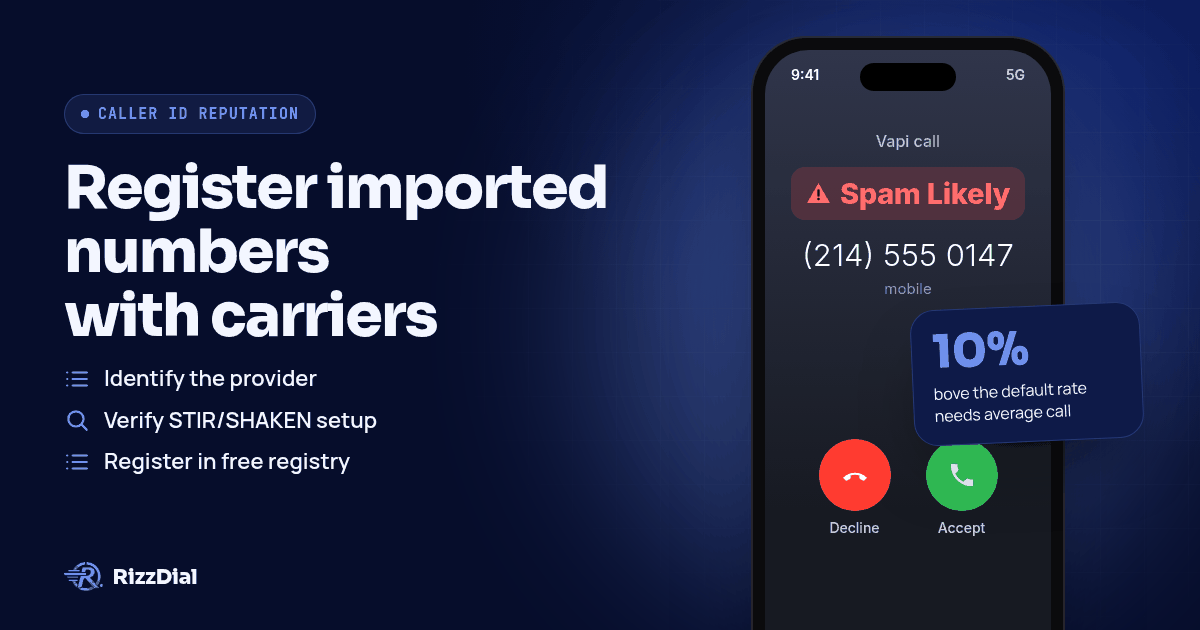
The script is tight, the voice sounds natural, and the call still shows up as Spam Likely before anyone picks up. That is not an agent problem. The label comes from the phone number you imported into Vapi and from how the receiving carrier scores that number, not from anything the assistant says mid call. Fix the number layer first: confirm which provider issued the number, get STIR/SHAKEN and CNAM configured through that provider, and register with the carriers' analytics engines, because Vapi's own platform routes the conversation but does not do that registration for you.
Which layer owns this problem, the agent, the number, or the carrier?
Three separate systems touch a single outbound call, and only two of them can put a label on it.
| Layer | What it actually controls | Can it cause Spam Likely? |
|---|---|---|
| Agent (Vapi) | Conversation logic, voice, call flow, inbound screening through a Server URL | No, the assistant layer has no say over caller ID authentication |
| Number provider (Twilio, Telnyx, or Vonage) | STIR/SHAKEN attestation, CNAM registration, Trust Hub verification | Yes, attestation level and registration status both get set here |
| Receiving carrier (AT&T, Verizon, T-Mobile) | Applies Spam Likely, Potential Spam, or Scam Likely based on its own analytics data | Yes, this is where the label lands on someone's screen |
Vapi sits in that first row. It imports numbers rather than issuing its own, according to its outbound calling docs: "Import a number from Twilio, Vonage, or Telnyx for outbound calling." Whatever reputation that number already carries, or picks up after you start dialing, Vapi inherits it.
Why does a Vapi number get labeled when the assistant itself behaves?
Carriers are not listening to the call content. They are watching patterns across the number: how many calls it places, how fast those calls end, and how often recipients report or block it. An AI agent calling at volume can trip those same signals a human sales floor would, sometimes faster, because the dialing is automated and consistent. Twilio puts it plainly in its high volume calling guidance: "simply launching a high volume voice campaign can look like spam to carriers."
Call duration matters here too. If your assistant hangs up the instant it detects voicemail, or if a batch of calls across a campaign runs unusually short, that shows up in the same metrics carriers and providers already track. Twilio's own CPS capacity guidance for Elastic SIP Trunking ties call quality directly to pacing limits: a self service increase above the default rate needs average call duration over 30 seconds, no more than 10% of calls at or under 12 seconds, and an answer seizure ratio above 70%. A Vapi assistant that fires off many short calls in a tight window, regardless of what it says, pushes those same numbers in the wrong direction.
None of this means slow the agent down and hope. It means the number sitting under the agent needs its own reputation work, separate from anything in the Vapi dashboard.
How does STIR/SHAKEN and CNAM actually work on a Vapi number?
Vapi requires call authentication for US and Canadian traffic, per its outbound calling docs: "STIR/SHAKEN is currently required for US and Canadian calling." That authentication and the business name shown on the call both live with whichever provider the number came from, not with Vapi. If you imported through Twilio, that means completing Trust Hub verification in the Twilio Console and submitting business details before attestation can move past the lowest tier, the same docs note. CNAM works the same way: you register the business name directly with the provider, for example "Twilio Console, Phone Numbers, Manage, Caller ID," and Vapi simply places the call once that is set.
For the full explanation of what STIR/SHAKEN attestation levels mean and how CNAM differs from a carrier label, the pillar guide covers it once for the whole cluster: see our guide to stop Spam Likely business number remediation. If your imported number runs through Twilio specifically, the deeper walkthrough on Voice Integrity and Trust Hub lives here: Twilio Spam Likely and Voice Integrity.
What are the steps to fix a Vapi number flagged as Spam Likely?
- Open the number in your Vapi dashboard and confirm which provider it was imported from (Twilio, Telnyx, or Vonage) using its phoneNumberId. You cannot fix what you cannot locate.
- If the number sits on Twilio, finish Trust Hub verification and apply for SHAKEN/STIR attestation before doing anything else. Vapi cannot sign calls at a higher attestation level than your provider account supports.
- Register the number once with the Free Caller Registry, which distributes your business details to Hiya, First Orion, and TNS in a single free submission rather than three separate ones.
- Submit the same number through Twilio Voice Integrity if it is a Twilio number, since it routes directly to the carrier analytics vendors behind each label: "submits your phone numbers to carriers' analytics vendors Verizon (TNS), T-Mobile (First Orion), and AT&T (Hiya), who review your numbers and may update how they are labeled."
- Register CNAM through the provider's console so the business name, not a bare number, shows on devices that support it.
- If a specific carrier is still showing the label after registration, file directly with that carrier: Hiya's support form for AT&T, voicespamfeedback.com for Verizon, our Verizon Potential Spam and TNS guide covers that carrier in depth, or First Orion's registration page for T-Mobile. For the full dispute walkthrough across every major carrier, see our guide to fixing Spam Likely for outbound sales teams.
- Slow the assistant's dialing pace and review how fast it ends calls on voicemail detection, so the pattern itself stops looking like a fresh high volume campaign to the carriers watching it.
- Check the number across a few real devices on different carriers over the following days, since registration does not apply instantly everywhere at once.
These imported numbers are VoIP numbers under the hood, issued by a telephony provider rather than a SIM card from a carrier store, and that distinction affects how carriers initially score them. The difference, and why it matters for connect rates, is covered here: VoIP number vs carrier number Spam Likely. It applies the same way whether you are dialing through Vapi, a predictive dialer, or a CRM's native phone system like GoHighLevel's.
Does Vapi's spam call rejection feature protect your outbound reputation?
It is easy to assume a feature called "spam call rejection" covers both directions. It does not. Vapi's own spam call rejection docs scope it to incoming traffic only: "Use your Server URL to filter inbound calls before they reach your assistant." It checks a caller's number against a list you maintain and decides whether to let that call reach your assistant or end it with a message, which is useful for keeping junk calls out of your pipeline. It does nothing for how your own outbound numbers get labeled on someone else's phone, and the same docs are explicit that the list behind it is yours to build: "Replace with your own data store or third party spam reputation API." There is no mention of a built in Hiya, First Orion, or TNS feed on the outbound side, so that registration step still has to happen with the number provider directly.
What is the honest fix when the DIY steps are not enough?
The steps above help, and every Vapi user running outbound should still do them. James Hill, RizzDial's founder, has spent enough calls on the agency and call center side to see where the DIY path runs out. In his experience running sales teams, a number bought on a platform like GoHighLevel tends to connect at a lower rate, because carriers read that traffic as VoIP rather than a line tied to a carrier relationship. The same dynamic applies to numbers imported into any AI voice agent platform, Vapi included, if the number itself was never provisioned with a carrier relationship behind it.
RizzDial's approach is direct carrier relationships, not another registration form to file. James points to those relationships with AT&T, Verizon and T-Mobile as the core of what it buys you: "We make your line look like it's a direct carrier line like AT&T, Verizon or T-Mobile. And we keep it clean. And not only do we keep it clean, we notify you if it's flagged." The checking itself is constant, not a one time submission: every number gets checked daily for spam flags, confirmed against real devices that get pinged each day to show exactly how a number is showing up on a recipient's phone. When a number does get flagged, it gets pulled and swapped, a flagged number removed from rotation and replaced with a clean, carrier provisioned one. Per number spam reputation monitoring with alerts is available as an add on if you want visibility into exactly when and where a given number gets flagged.
RizzDial does not lock you into its own carrier path either. As James says: "We don't ever want to lock anybody into our carrier. We do have managed carrier services." Bring your own carrier, such as your own Twilio account, and those numbers stay that provider's numbers. The carrier provisioned path is RizzDial's managed carrier service, sitting alongside the bring your own option rather than replacing it. See how that compares directly against Vapi's imported number setup: RizzDial vs Vapi, or browse the fuller rundown of alternatives to Vapi.
For warm follow up messages to the same contacts, especially on iPhones, iMessage and FaceTime Audio through RizzDial's sister product Beam ride over data, so carrier spam labels do not apply the way they do to a voice call.
What does none of this fix?
Registration and carrier relationships fix a number's standing. They do not fix a bad list. If the numbers you are calling were scraped, bought, or never opted into contact, complaints will climb again no matter how clean the number looked on day one. They do not fix consent either: calling people who never asked to be reached, repeatedly, is what trains carrier analytics engines to flag a number in the first place. And they do not fix the habit of hammering the same contacts over and over in a short window, which looks identical to a spam pattern whether a human or an assistant is doing the dialing.
It is also fair to say plainly that a label can come back. The FCC has not built a formal appeals process for labeling specifically, only for blocking disputes. On labeling, the FCC's 2020 order states: "We decline to extend redress mechanisms to erroneous call labeling at this time. Rather, we encourage voice service providers and their analytics partners to work in good faith with callers to avoid erroneous labeling." Nothing here, Vapi's own features included, guarantees a label stays off permanently.
What FAQs come up about Vapi numbers and Spam Likely labels?
Does Vapi register my numbers with First Orion, Hiya, or TNS for me?
No. Vapi's spam call rejection feature screens inbound calls against a data store you supply yourself, according to its own docs: "Replace with your own data store or third party spam reputation API." Getting a number into the carriers' own analytics engines happens at the number provider, through something like Twilio Voice Integrity, or through the Free Caller Registry.
Can I fix a Spam Likely label by rewriting my Vapi system prompt?
No. The label is attached by the terminating carrier based on the calling number's authentication and complaint history, not the words the assistant says on the call. A cleaner script can reduce complaints over time, but it does not touch STIR/SHAKEN attestation or CNAM, which live with the number provider.
What attestation level does Vapi actually support on outbound calls?
Vapi's docs describe three tiers tied to how well the underlying provider has verified you: level A means the provider verified both your identity and your right to the number, level B means identity only, and level C means the call source was authenticated but the caller's identity was not confirmed. Which level you land on depends on your Twilio, Telnyx, or Vonage account, not on Vapi itself.
Does switching from Twilio to Telnyx or Vonage numbers avoid Spam Likely on Vapi?
Not by itself. Vapi lets you import a number from any of the three for outbound calling, but every one of them still has to clear STIR/SHAKEN attestation and get registered with the carriers' analytics engines, and a number migrated between providers does not automatically carry a clean slate with it.
How do you get your numbers checked?
If you want someone watching the number layer daily instead of filing registrations yourself every time a label shows up, Book a demo and walk through how RizzDial's carrier provisioned numbers and daily checks would sit under your Vapi assistant.
How can RizzDial help with your calling workflow?
RizzDial is the AI outbound sales workspace for teams on GoHighLevel. Power dialing, AI voice agents, SMS automation, and CRM workflows in one platform. Book a demo.