Integrations
GoHighLevel AI Dialer Integration: Connect, Test, Launch
Connect an AI dialer to GoHighLevel: map contacts, configure the calling trigger, and test booking, transfer, and follow-up before you launch a campaign.
By James Hill ·
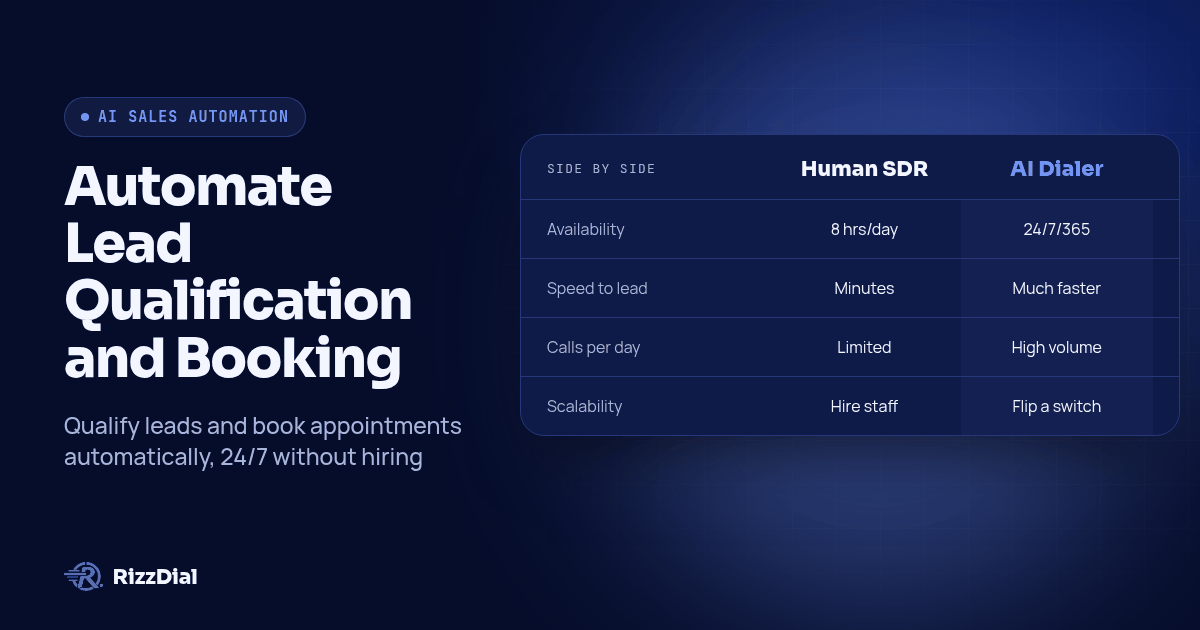
Connect an AI dialer to GoHighLevel by mapping contact fields, setting the calling trigger, and testing booking, transfer, and follow-up on a real contact before you increase volume. Set up DNC and list-override checks at the same time, not after launch.
This guide covers the integration itself: the trigger, the call, and the CRM writeback. It is not a buyer's shortlist and not a general dialer explainer. If you are still deciding which AI dialer to use, see the AI dialer buyer's guide for a short, criteria-based comparison. If you want a plain explanation of dialer software that is not AI-specific, see the general dialer explainer.
Who This Guide Is For
Teams and agencies running GoHighLevel who want AI calling to cover the follow-up a human team cannot manage by hand: new leads, no-shows, and reminder sequences. It assumes you already have a GHL account, a defined calendar, and a contact list you have permission to call.
If you have not decided whether you want an AI voice agent, a faster dialer for human reps, or both, start with the AI dialer buyer's guide first. Coming back to this page once you know what you are connecting will save you a rebuild.
How The Integration Is Structured
The integration has three parts, and the middle one is the part worth testing hardest:
- Trigger. A GHL event, a form submission, a pipeline stage change, or a tag, fires a webhook to RizzDial.
- Call. RizzDial dials the lead using predictive, power, or AI voice agent calling, depending on the workflow you built.
- Writeback. The call outcome, recording, transcript, and disposition write back to the GHL contact record.
A broken step in the middle of that chain usually still looks like a successful call from the dialer's side. Testing each step separately, not just the overall result, is how you catch it before a client does.
Step-by-Step Setup
Step 1: Connect your accounts
Link RizzDial to GoHighLevel through the native integration. Confirm the connection against the correct GHL location if you manage more than one sub-account; a credential pointed at the wrong location will not throw an error, it will just write data to the wrong place.
Step 2: Configure the AI agent
Set the agent's script, the qualifying questions specific to the campaign, booking rules and calendar availability, and the conditions for transferring to a human. Write down what should happen if the lead asks something outside the script, rather than leaving it to the agent to improvise.
Step 3: Build the GHL trigger
Decide what starts the call: a form submission, a pipeline stage change, or a tag addition. Build one trigger at a time and confirm it fires correctly before adding a second.
Step 4: Map your data
Map GHL fields to the fields the agent and the writeback use: contact name, lead source, relevant custom fields, and tags that affect priority or routing. A field that is not mapped does not fail loudly, it just comes through blank.
Step 5: Test before you launch
Run every scenario in the checklist below against a contact you control, not a live lead, before you turn the trigger on for real traffic.
GoHighLevel-Specific Triggers
Three trigger types cover most GHL calling workflows:
- Pipeline stage. Moving a contact into a stage, such as New Lead or No Show, fires a defined call.
- Tags. Adding a tag, such as hot-lead or do-not-call, changes calling priority or removes the contact from dialing entirely.
- Forms. A form submission on a funnel or landing page fires an immediate qualification call.
Build and test one trigger type before layering on a second. A tag-based do-not-call rule and a pipeline-based calling rule that both touch the same contact need to agree on which one wins.
Test Checklist Before You Go Live
Run through each of these on a contact you control before a real campaign uses the integration:
- Booking. Confirm a successful booking writes a calendar entry and the GHL contact record updates with the appointment, not just a note that a call happened.
- Transfer. Confirm a call that should transfer to a human actually reaches a person, and that the receiving rep can see the context from the AI portion of the call.
- Unavailable slot. Ask for a time that is not open and confirm the agent says so clearly and routes the contact for follow-up, instead of confirming a time that was never booked.
- DNC and list overrides. Flag a test contact as do-not-call, then run it through every list it could reach. RizzDial's security page documents contact-level DNC flags and warns that list settings can override them; confirm your specific list configuration does not create that gap.
- Reschedule. Move a booked appointment and confirm the original slot is updated, not duplicated. A second active booking on the same contact is easy to miss until a client points it out.
Compliance Note
GoHighLevel automation does not replace a compliance review. Review security, consent, and data handling before launch, and check your calling program against the TCPA compliant dialer guide and the calling hours and consent checklist. This is general information, not legal advice; confirm your specific campaign with qualified counsel.
Multi-Channel Follow-Up
Once the call-and-writeback loop is tested, GHL workflows can chain a call with SMS and email follow-up: an AI call first, an SMS if the call goes unanswered, and an email nurture sequence after that. For the messaging side of that sequence inside GoHighLevel, Beam covers iMessage follow-up inside GoHighLevel.
FAQ
Does this replace my sales team?
No. The AI handles the repetitive calling, initial qualification, and appointment booking. A person still handles exceptions, complex questions, and deals that need a closer.
Is this compliant out of the box?
RizzDial provides consent documentation and opt-out handling tools, but your team is responsible for configuring the specific campaign correctly. List settings can override contact-level DNC flags, so test that overlap before launch rather than assuming it is handled.
How long does setup take?
It depends on how many GHL sub-accounts and triggers you are connecting, and how much scripting and testing the agent needs. Budget time for the full test checklist above, not just the account connection.
Can I white label this for my GHL sub-accounts?
Yes, if you are running GHL in SaaS mode. Clients see your brand on the calling workflow, not RizzDial's. See the partner program for how agencies structure that.
Connect Your GHL Account
See the GoHighLevel workflow for the integration overview, or book a demo to connect a test GHL location and run the checklist above on a real sub-account.
For the next step in this workflow, review the GoHighLevel voice AI guide and explore the integration directory for other connected tools.
About RizzDial
RizzDial is the AI outbound sales workspace for teams on GoHighLevel. Power dialing, AI voice agents, SMS automation, and CRM workflows in one platform. Book a demo.